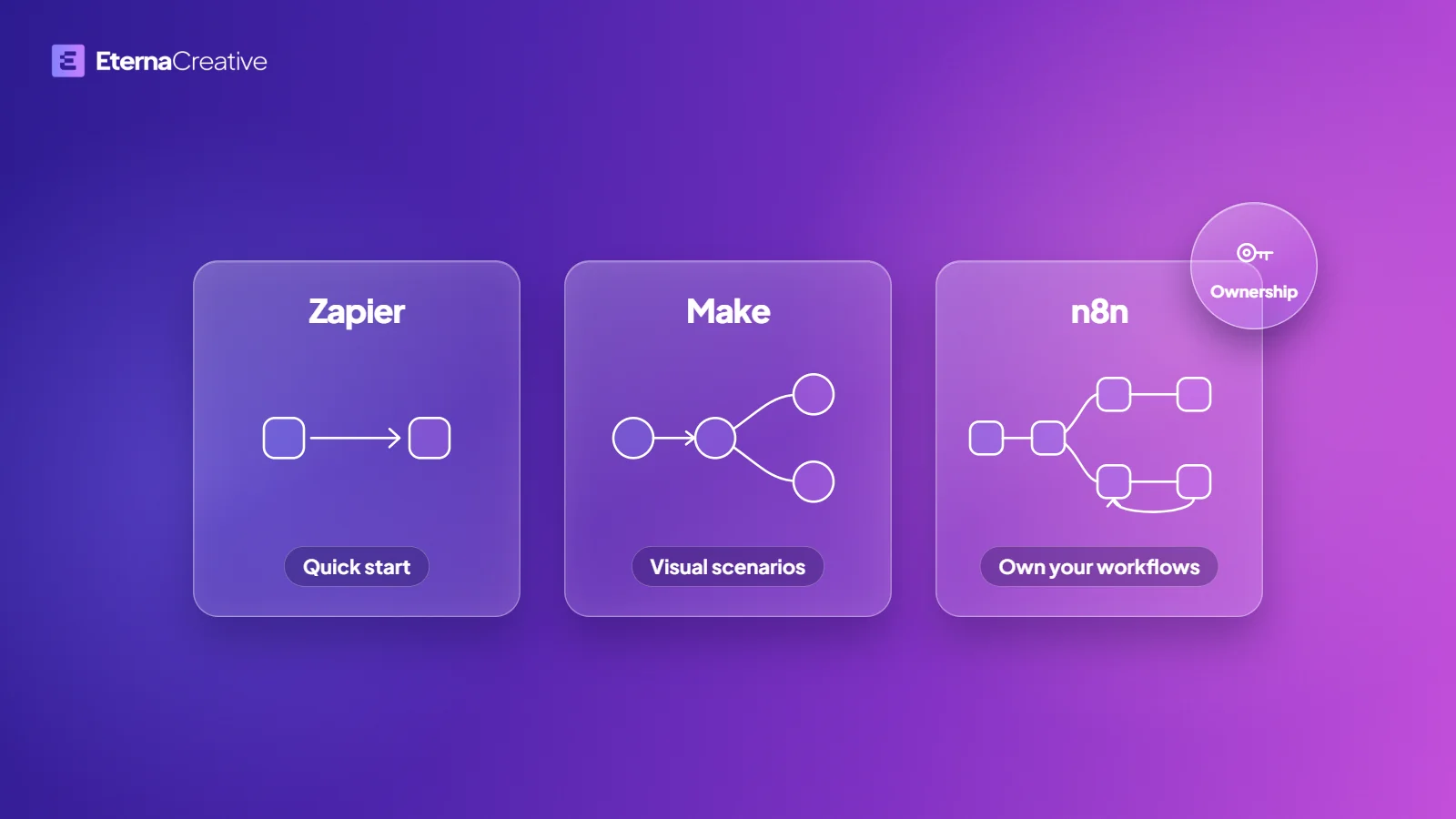
Zapier suits a first simple workflow between tools you already pay for, Make suits visual branching without hosting anything, and n8n suits workflows you want to own and monitor like software. The three bill in different units, so compare what each charges for before you compare prices. Start with one paid workflow, and expand once it pays back.
This guide compares them on what breaks, who owns what and how each one bills, using each vendor's own pricing page. To have the workflow built for you, see how we build automations.
TL;DR
- Zapier: best for a first workflow when the connectors exist and volume is modest. It bills per task, and each successful action step counts.
- Make: best for visual branching without owning infrastructure. It bills in credits, and each module action uses one.
- n8n: best when you want to own and monitor workflows like software. Cloud plans bill per workflow execution, and a free self-hosted Community edition also exists.
- Most teams should start with one paid workflow, prove the hours back, then expand. Tool choice comes second.
- n8n suits quick, low-volume workflows. For workflows that fire on every message, run unattended at volume, or need limits and monitoring that a workflow tool's plan does not give, we recommend custom code. The full comparison is in n8n vs custom code for automations: which to use when.
What are you buying when you pick an automation tool?
Teams shop automation tools like they shop CRMs: feature lists. The real decision is failure modes. Who notices when a sync silently stops? Who owns credentials? What happens when an AI step drafts the wrong email?
In production, all three tools fail the same way if nobody is watching. Zapier errors sit in task history. Make scenarios can stop mid-flow. n8n executions are logged, but silent issues still happen if you never wired an error workflow. An AI step sends the wrong email on any platform if the prompt and the data are unguarded, and a step that reads documents needs checks of its own (what 98% accuracy in AI document extraction really means).
Vendor-hosted means the vendor holds the logs, credentials and uptime. You can export a Zap or a scenario, but you cannot pick up the box and move it. Self-hosted n8n is the other end: you own the instance, the database, the encryption key and the backups, and you also own the misconfiguration.
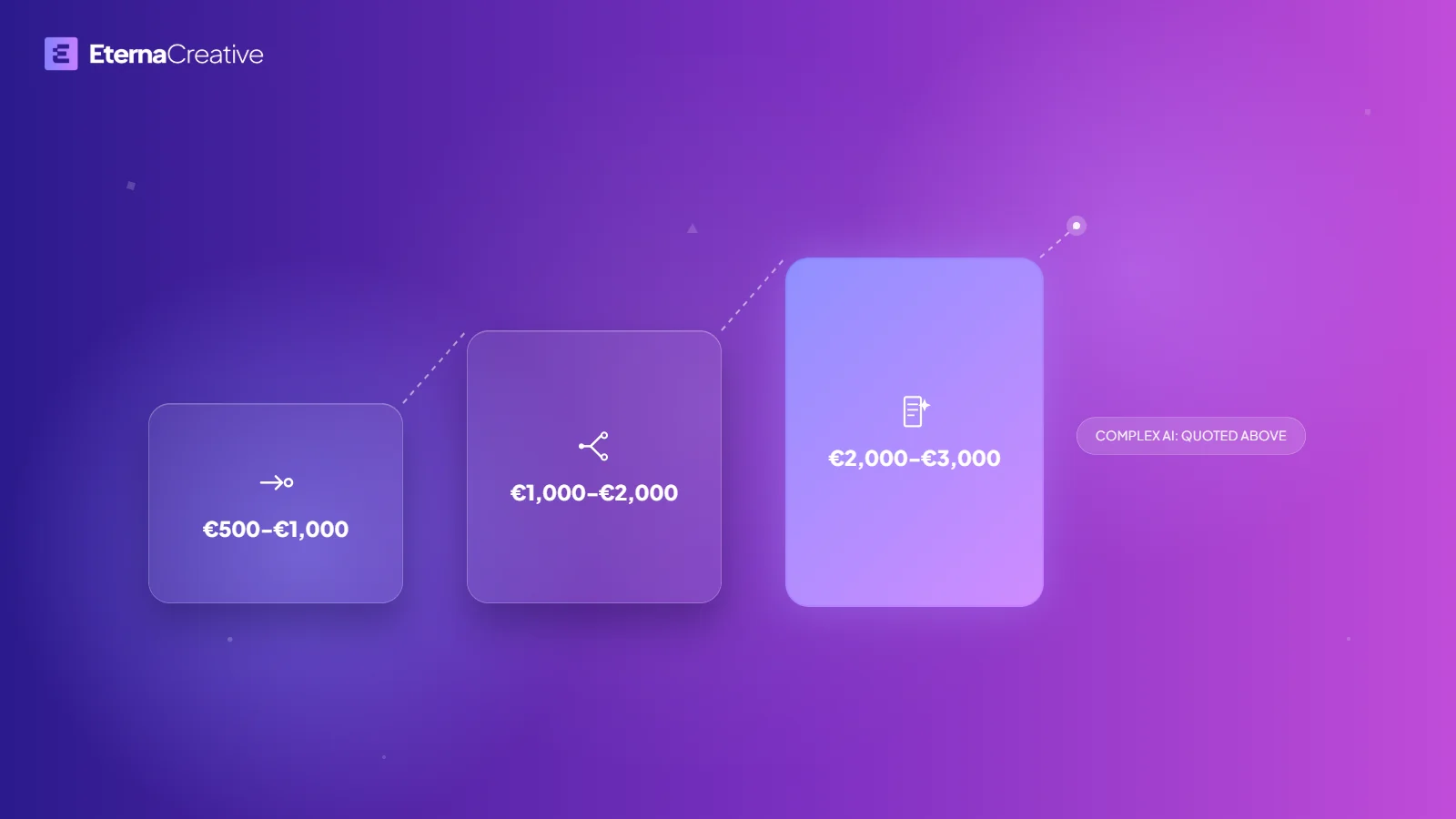
Wherever money, legal or customer communication is at stake, keep a human on approvals, whatever the tool. A first live workflow takes days to about 2 weeks, from €500, when the job is one hop with logging.
How do n8n, Make and Zapier compare for business ops?
Zapier counts successful actions, Make counts module actions as credits, and n8n Cloud counts whole workflow runs. A HubSpot deal that fans out into Slack, a sheet and an email is several billable steps on Zapier and Make, and one execution on n8n Cloud.
Prices change, so the table compares what each vendor bills for rather than price tags. Sources, all checked on September 24, 2026: Zapier pricing, Make pricing and n8n pricing.
| Zapier | Make | n8n | |
|---|---|---|---|
| Time to a first workflow | Quick for common SaaS pairs | Quick once you learn the canvas | Quick with a builder who knows it |
| What you are billed for | Tasks: each successful action step. Triggers and built-in tools such as Filter and Formatter do not count | Credits: each module action is one credit | Cloud: one execution per workflow run, whatever the number of steps. A free self-hosted Community edition is also available |
| What happens as volume grows | Multi-step Zaps use more tasks | Every module that runs uses credits | Cloud plans include a monthly execution allowance. Self-hosting moves the cost to your own server |
| Ownership | Vendor-hosted | Vendor-hosted | Cloud is vendor-hosted. Self-host and you own the instance |
| Complex branching | Possible | Strong visual scenarios | Strong, with code nodes when needed |
| HubSpot to Slack | Enough for a simple alert | Enough for a simple alert | Worth it when you need custom logic or data on your own infrastructure |
| Ops maturity | Great connectors | Strong for power users | Strong for engineering-minded ops |
| Best first use | Lead capture to CRM to notify | Multi-step ops with filters | Owned workflows plus monitoring |
| Hire help when | You need a linear Zap live this week | One person already thinks in Make | You want a system your team can run |
When is Zapier the right pick?
Zapier is best for a reliable connector tomorrow when the workflow is mostly linear. New HubSpot deal to Slack. Form to CRM. Invoice created to a ping. If the pair exists in the directory and volume is modest, Zapier is the shortest path to a paid result.
The trade-off is task cost at volume, and zombie Zaps nobody owns. Caps, rate limits and app-side changes fail quietly. That is fine until the Zap is revenue, compliance or customer comms, and then you need an owner and alerts, not another template.
When is Make the right pick?
Make is best for visual, branching scenarios without hosting anything. Filters, routers and aggregators are the product. CRM intake that enriches, scores and assigns is a Make job if one operator already thinks in scenarios and you are happy on their cloud.
The trade-off is complexity that only one person understands. Credit limits and API changes stop a scenario mid-flow, and an unguarded AI module sends the wrong email here too. Make is a canvas, not a system of record.
When is n8n the right pick?
n8n suits workflows you can own, extend and monitor like software, and it suits quick, low-volume workflows. Control compounds: code nodes, a queue you can inspect, a workflow you can move. Cloud is the managed path, billed per workflow execution, with n8n running the uptime. The free Community edition is self-hosted: you run the server, the database and the backups, you hold the encryption key, and you carry the risk of a missing backup.
n8n fits HubSpot to Slack when the hop is not the point: custom logic, a queue, data residency, or a workflow you can move. If you are looking for an n8n automation studio, this is the stack those builds usually sit on.
How do you pick for your team?
Do not start with a tool bake-off. Start with the bottleneck: which handoff still lives in someone's inbox, and what "done" looks like when it does not.
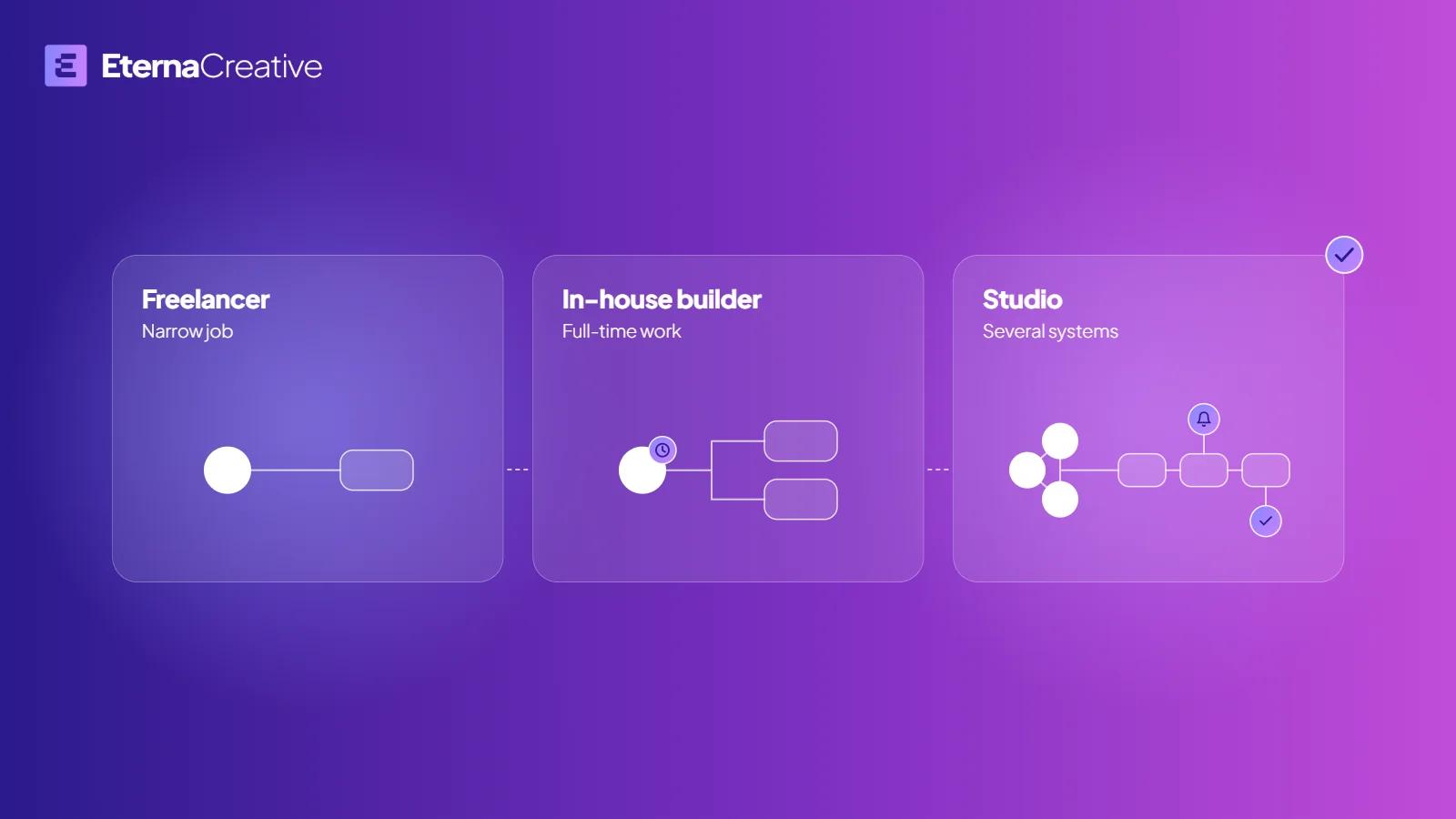
Stay DIY when the need is simple, low-risk and you have hours to learn the canvas. Hire when the workflow touches revenue, customer data or compliance; when Zapier or Make bills are already the problem; when silent failure would compound; or when nobody on the team will do DevOps. One owned workflow beats a folder of recipes. If you are choosing who builds it, see AI automation studio vs freelancer vs in-house.
We recommend n8n when you want a system you can run for years and the workflows are quick and low-volume enough for a workflow tool. If you already live in Make and the scenario is healthy, do not switch for sport. If Zapier is the quickest way to prove a hop this week, use it.
What does n8n look like in production? Lead Agents
Lead Agents, a client of ours, runs 12 live n8n systems that we built, and the automations save about 15 hours of ops work a week. They did not need another Zap. Outbound lived across HeyReach, LinkedIn, Attio, spreadsheets, Discord and ad hoc research, replies and list changes did not reliably land in the CRM, and CSVs needed dedupe before anyone could work them.
The spine is n8n: a HeyReach sync into Discord and Attio every 30 minutes, a Prospect Ledger that normalizes and enriches, LinkedIn scheduling from their Outbound OS app, and research agents you can call from Telegram. That is what treating workflows like software looks like.
What did an n8n ops loop look like in a product we co-founded?
Zonik AI, a logistics product we co-founded, is in beta with its first users. Its job is load tracking: it watches the loads and calls the driver when something is wrong, and only what it cannot finish reaches a person. Its tracking loop started as n8n workflows, a dispatcher and a worker, and moved into a custom application with the same job.
By design, the tightest check interval is five minutes, and loads the automation cannot resolve go to one queue for a human. A voice agent calls drivers when their data breaks.
When should a workflow become custom code?
The question after the canvas works is whether the whole n8n system should move into custom code. We recommend it for workflows that fire on every message, run unattended at volume, or need limits and monitoring that a workflow tool's plan does not give, and when the operators need a product they log into. It is a rewrite of the contract into software people can run, not a dump of JSON into an app.
The product is the contract, not the nodes: what wakes up, what it writes back, and who owns exceptions.
A path that usually holds
- One paid workflow on whatever you already have, often Zapier, until it pays back.
- Move the ops spine to n8n when you need ownership, code nodes or a queue you can inspect.
- Stay on n8n Cloud while the plan's execution allowance, data residency and uptime fit the job.
- Self-host n8n when you still want the canvas but not the Cloud bill: same workflows on your own server, and the upkeep is yours.
- Move the loop into custom code when it meets the conditions above. See no-code vs custom code vs vibe coding for the product-side version of this choice.
What does a transfer to custom code look like?
Freeze the contract first: inputs, outputs, exception states and human approval. Do not convert fifty nodes one for one. Rebuild the loop as an application with the same write-back, replay real executions against both, then cut over. n8n can stay as a sidecar for the odd integration, but it is no longer the system of record for the job.
When should you not rewrite?
If you still have one Zap nobody owns, you need a first live workflow, not custom code. If the process changes every week, a canvas you can inspect beats an app you have to deploy. If you want real code because it sounds more serious, that is theater, so say so on a free audit call and pick the lighter job.
When are tools not enough?
A pile of automations is not a system. When people need one place to run the work, approvals, status and exceptions, you need a custom front end on top of connected workflows. That is the jump from Zaps to an automation system, and sometimes to an application. If you are still mixing a funnel, a product and busywork, read website vs application vs automation.
FAQ
Which is better for business ops: n8n, Make or Zapier? Zapier for a first linear workflow, Make for visual branching without hosting, and n8n when you want ownership and monitoring. Start with one paid workflow, then expand.
How is each tool billed? Zapier bills per task: each successful action step counts, while triggers and built-in tools such as Filter and Formatter do not. Make bills in credits, and each module action uses one. n8n Cloud bills per workflow execution, whatever the number of steps, and a free self-hosted Community edition is also available. Checked on each vendor's pricing page on September 24, 2026.
When should we hire an n8n automation studio? When HubSpot, Slack, CRM intake or invoices still live in someone's inbox and you need a first live workflow in days to about 2 weeks, not a hobby recipe. Also when Zapier or Make bills, compliance or silent failures are already the job.
Can you automate HubSpot and Slack with n8n? Yes, and the same goes for CRM intake and invoice handoffs. Simple alerts are enough on Zapier or Make. Map the process first, then ship one workflow with human approval where it matters.
Should an n8n workflow move into custom code? Only when it fires on every message, runs unattended at volume, or needs limits and monitoring that a workflow tool's plan does not give. Freeze the contract, rebuild the loop as an application, replay real executions, then cut over. Zonik AI, a logistics product we co-founded, moved its tracking loop from n8n workflows into a custom application with the same job.
Do you automate law firms or freight? Yes. See Legal Operations and Freight Operations, and for law firms start with the five automations to build first. A single automation from €500 is the usual first step.
How do you start without locking in a stack?
Map the process first, ship one high-ROI workflow, and expand only after it pays back. Tool choice follows the process, not the other way around. Book a free audit call if you want that map without a sales pitch in disguise, or see how we build automations. If the question is what the project costs rather than which tool, read how much business automation costs in 2026.