A process is usually ready to automate when people do each step the same way, each piece of information has one source, every exception has one owner, and you know today's numbers. To get there, walk through the work with the person who does it, remove the variation, name the owners, and write the baseline down.
Automation tends to follow the process you give it. A step that 2 people do in 2 ways usually gets automated in 2 ways, only faster, and a step that nobody owns tends to stay unowned. That is why fixing a shaky process first is a sensible order, and why the work tends to be about getting people to agree on how the job is done, more than about choosing software.
This guide covers the stage before the build. Once one process passes the checks below, the automation service explains what happens next. If you have not decided which process to start with, which process to automate first scores your candidates.
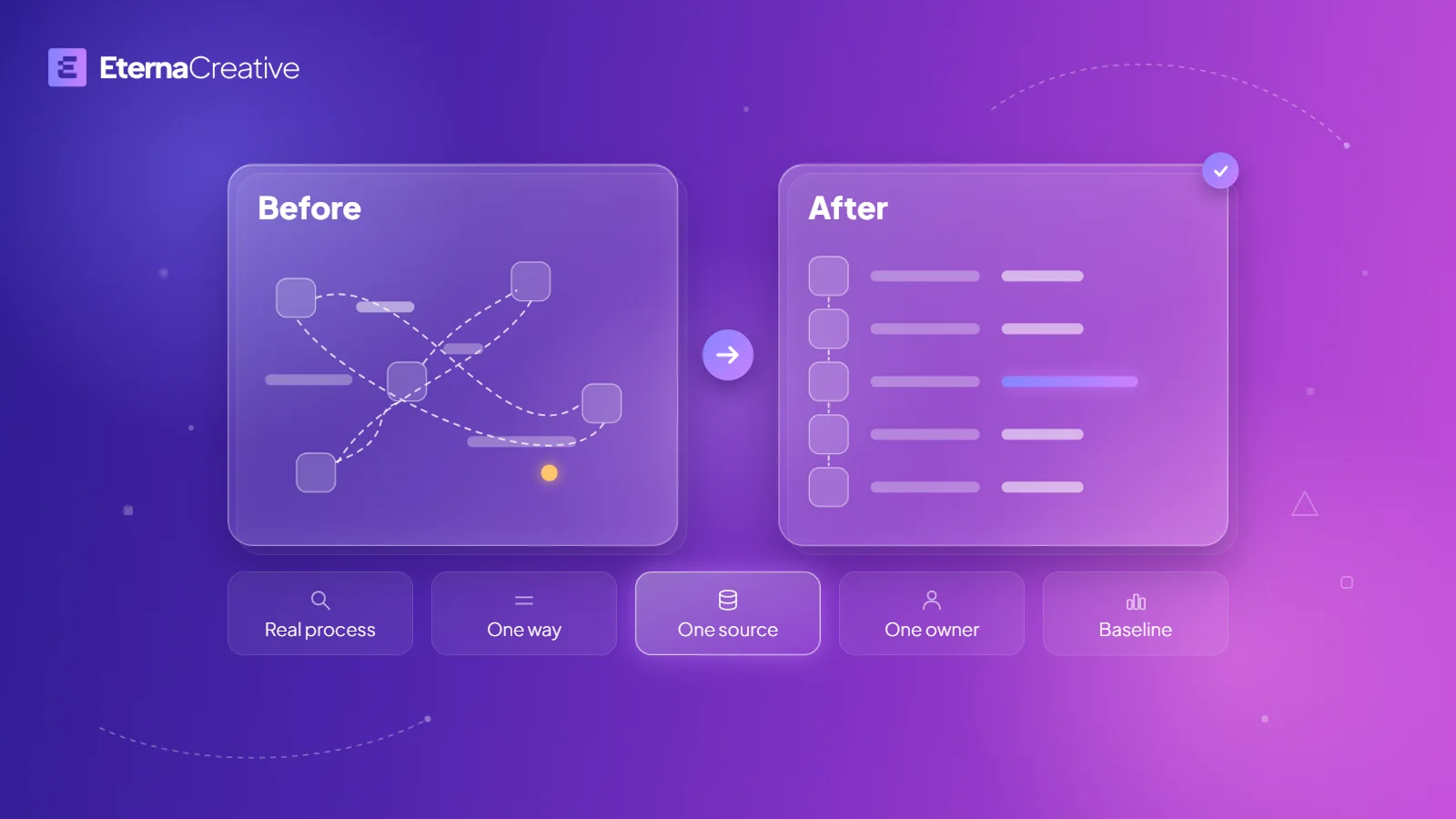
The 5 checks at a glance
| Check | What it looks like when it fails | The fix |
|---|---|---|
| 1. The real process | What is written down and what happens each day do not match, or nothing is written down | Walk through one real item with the person who does the work |
| 2. Variation | 2 people do the same step in different ways | Keep each real difference as a written rule, and choose one way for the rest |
| 3. Sources | The same detail is typed or kept in 2 places, or arrives as a scan or inside an email thread | Pick one source for each detail, have everything else read from it, and capture inputs in fields where you can |
| 4. Exceptions | When something is missing or wrong, the answer depends on who is in | Write the exceptions down, name one owner for each kind, and give unresolved items one place to wait |
| 5. Baseline | Nobody can say how long an item takes or how often one goes wrong | Measure a normal stretch of the work before you change anything |
Does the written process match how the work really gets done?
Process documents tend to describe how the work was meant to run. The daily work tends to run differently, because people add steps to cover what the process left out.
Ask the person who does the work, not the person who manages it, to take one real item through the process while you watch. Watching matters, because people tend to skip the steps they do without thinking. Write down each step as it happens, including the workarounds: the spreadsheet kept on one desktop, the message to a colleague to check something, or the call to get a missing document.
Do not fix anything during the walk-through. The goal is an accurate picture, and the workarounds are a useful part of it, because each one usually marks a gap in the process. If nothing was written down before, this is your first version.
Do 2 people do the same step in different ways?
Walk through the same process with a second person who does the same job, then put the 2 versions side by side. Each difference tends to need a decision before anything is automated, because the automation needs one rule, or 2 rules that are written down.
For each difference, ask whether it is real or accidental. A real difference has a reason: a certain kind of client, document, or case needs different handling. Write it down as a rule, such as "for this kind of case, do this". An accidental difference has no reason beyond habit. Choose one way, ask one person to make the call, and tell the team.
The point is not to remove all variation. It is to make sure every difference that remains has a rule that anyone can read.
Where does each piece of information come from?
Pick the handful of details the process depends on, such as a client's name, a deadline, an amount, or a document, and follow each one from the moment it first appears to the last place it is used. Mark every place where it is typed or copied again.
A detail that lives in 2 places tends to end up different in each, and the difference tends to go unnoticed until a result looks wrong. For each one, decide which copy is the source, who keeps it up to date, and that every other place reads from it instead of retyping it.
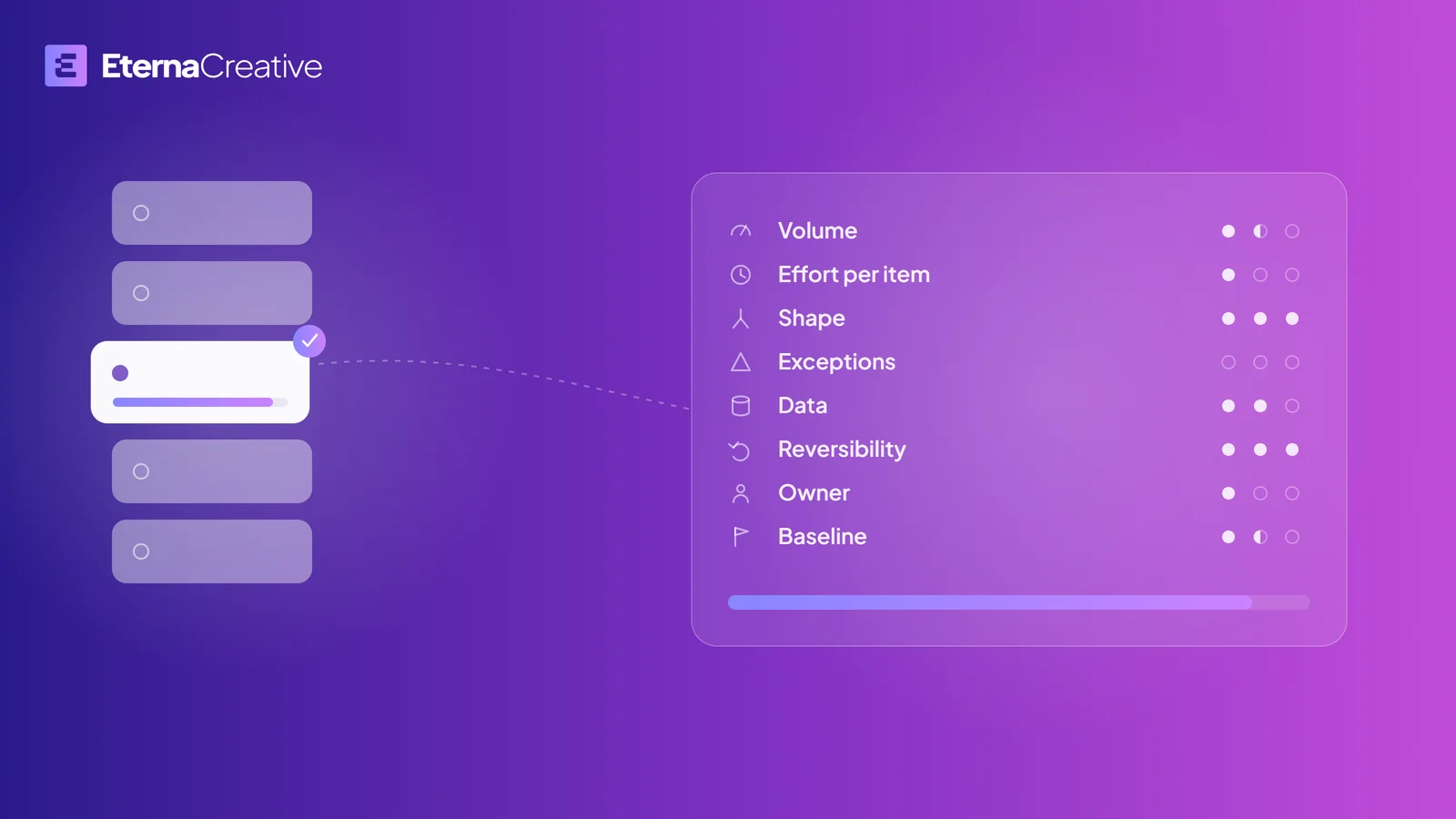
Also check whether a machine could read each input today. A scanned document, a photo of a form, and a request that exists only in a long email thread can be hard for software to use without extra work. A field in a system, or a form with fixed questions, is usually easier. This is the data question in the score from which process to automate first, and it affects how much preparation a process needs.
What happens when something is missing or wrong, and who decides?
Processes tend to have exceptions: a document that does not arrive, a figure that does not match, or a customer who asks for something different. List the ones from recent real work, from what happened and not from guesses about what might.
For each one, write what happens now and who decides. If the answer is "it depends who is in the office", that is usually the gap. A rule that lives in someone's judgment on a given day is usually hard for software to follow.
Give each kind of exception one owner, and give unresolved items one place to wait, such as a shared queue that someone checks every day, instead of a personal inbox. An automation then has somewhere to hand over when it is unsure, and a person who knows the case picks it up.
Decide at this stage what stays manual. Judgment calls, and anything where a mistake is costly and hard to catch, usually belong with a person. That is part of the design, not a failure of the automation.
How will you know it worked?
Before you change anything, measure a normal stretch of the process: how long one item takes from start to finish, how many items arrive, and how often one has to be done again. Use real recent items, not recollection.
Without that baseline, it is hard to say later whether the change saved anything, and the discussion tends to start from memory. Which process to automate first has a section on how to take a baseline. If a process has none yet, take it before anything is built.
What does this look like in a system that is built?
Zonik AI, a logistics product we co-founded and that is in beta with its first users, is designed so that loads the system cannot resolve go to one human queue, and so that a voice agent calls drivers when the data breaks. The queue is an answer to the fourth check: one place where what the system cannot resolve waits for a person.
What happens when you start?
The free audit call is 30 minutes to check the fit and collect what we need. A deeper call then goes into the requirements, and the Blueprint, which is always free, shows what we build, what it costs, and when it ships. To start, book a free audit call.
Does this apply to law firms, accounting firms, and freight companies?
Yes, the same checks apply, and the first automations to consider are on the law firm, accounting, and freight pages. For law firms, five first automations for law firms gives the order.
What does it take?
Getting a process ready takes your team's time. How long depends on the process and on how much it varies, so there is no reliable general number. One walk-through of one process shows where you stand.
A first automation starts from €500, and a first live workflow usually takes days to about 2 weeks. The smallest useful automation is the one to start with, to prove it works. The full price picture is in How much does business automation cost in 2026?.
FAQ
How do I know if my processes are ready for automation? A process is usually ready when people do each step the same way, each piece of information has one source, every exception has one owner, and you know today's numbers. Behind that are 5 checks: the written process matches the real one, each step is done one way, each detail has one source, each exception has an owner, and you have a baseline. A process that fails one of them usually needs that one fixed first.
Do I need to document every process before I automate? No. Start with the one process you would automate first. Documenting everything before you start tends to take a long time and go out of date, and writing down one process as it really runs, with the person who does the work, shows what matters.
Should I fix the process first or automate it as it is? Fix the steps that vary or have no owner, and automate the parts that are already consistent. An automation built on a step that people do differently tends to need rework once someone notices.
What if only some of my processes are messy? Start with the most consistent process that has a clear owner and inputs a machine can read, and leave the rest until they are written down. Which process to automate first scores candidates on data, exceptions, owner, baseline, and more.
Who should fix the process, my team or an automation partner? The people who do the work should describe it, because they know the workarounds. The decisions about how your team works stay with you.
How long does it take to get a process ready? It depends on the process and on how much it varies, so there is no reliable general number. Taking one real item through the process with the person who does the work shows where you stand, and the remaining checks (one way for each step, one source for each detail, one owner for each exception, and a baseline) tell you what is left.
What does a first automation cost? A first automation starts from €500. The exact scope and price come after the free audit call and the requirements call, and the Blueprint, which is always free, shows what we build, what it costs, and when it ships.
The verdict
A shaky process is not a reason to skip automation for good. It is a list of 5 things to fix, and your team can start on each one before any automation exists. When one process passes the 5 checks, it is usually in good shape for a first automation. To see what happens once a process is ready, read about how we build automations. To check whether your process is a fit for a first automation, book a free audit call.