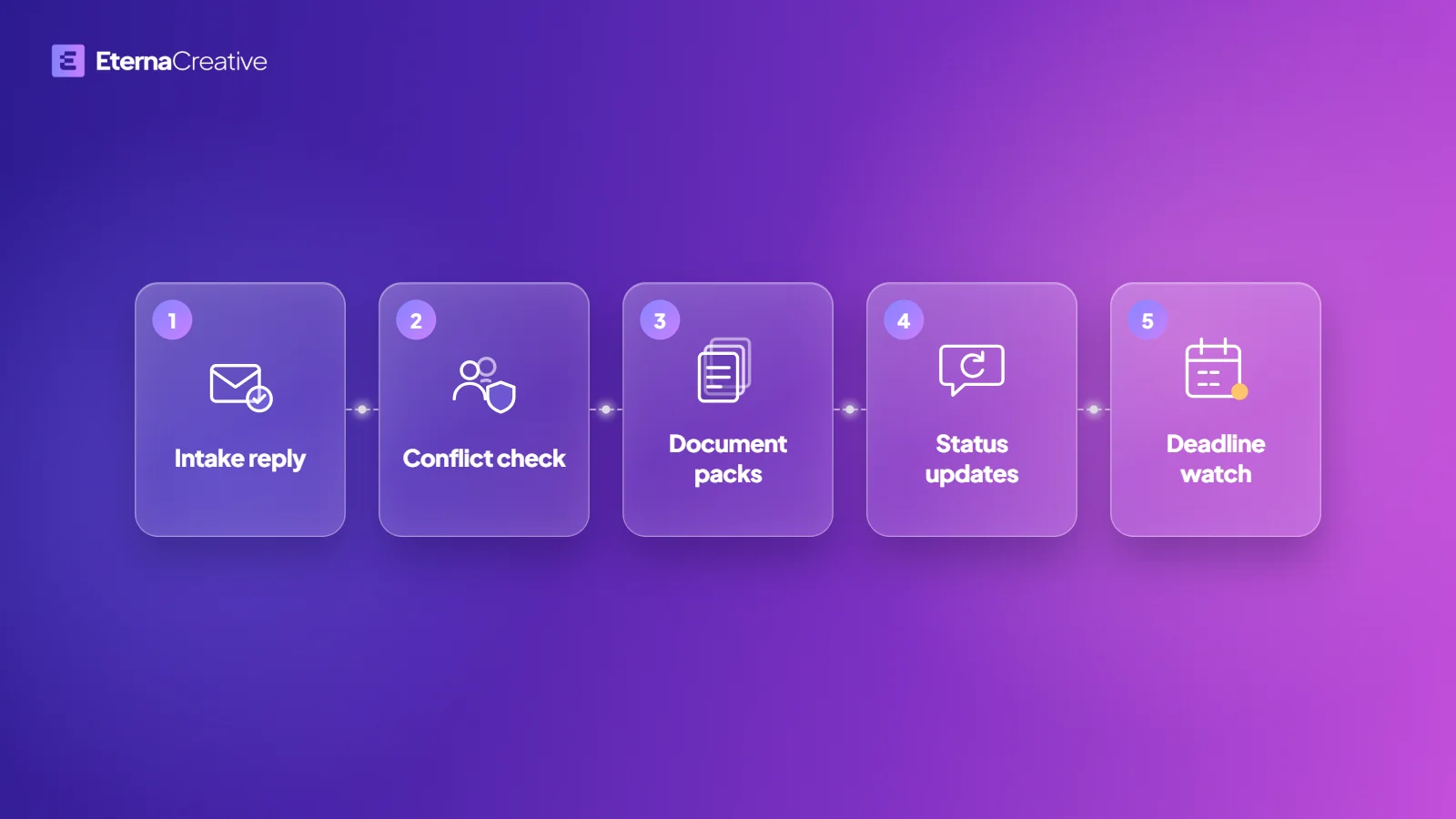
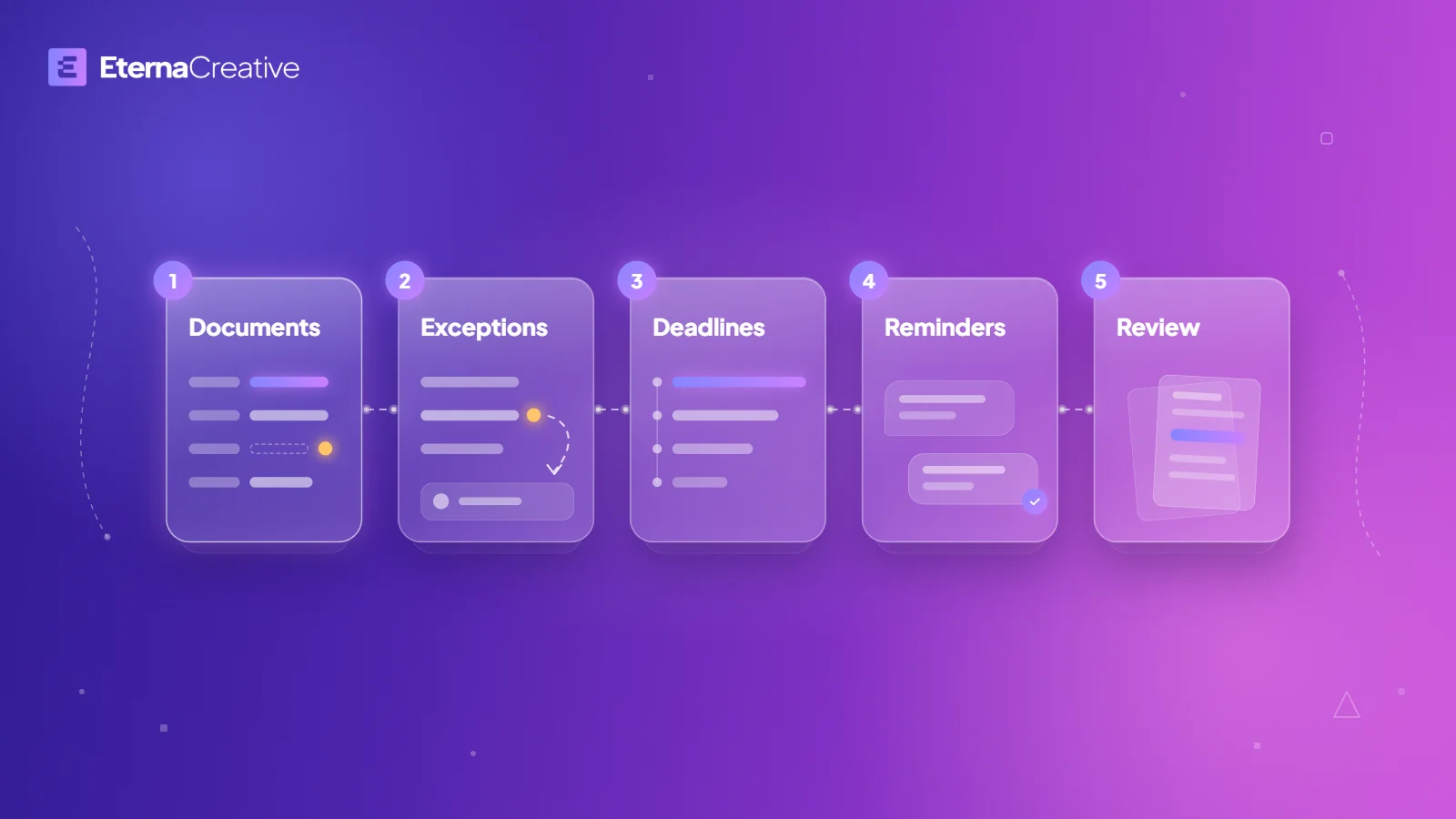
At an accounting firm, we would start with 5 automations around your accounting software, in this order: a missing-document chase; routing of unreadable, duplicate, and unmatched documents to a reviewer; a workload and deadline view across clients; reminders drafted for the accountant to send; and reconciliation exceptions prepared for review. Our design principle: AI prepares, the accountant decides.
Why do we build for accounting firms?
Accounting work tends to run on documents and deadlines across many clients at once. Your accounting software holds the books. What tends to stay manual, even with good software, is the chasing and routing across all your clients: who has sent what, which document cannot be used, and which client is late.
We have worked on document-heavy problems before, with document checks at Zonik AI, a logistics product we co-founded. Part of our own accounting also runs on AI agents: a monthly financials update from receipts and invoices. We think the chasing and routing around your software is worth building for, so that is where we would start. It is a starting point, not a promise, and the free audit call is where we check whether it fits your firm.
This guide goes through the 5 automations in order, what each one prepares, and where a person decides. They are what we build in our Accounting Operations program. A one-off automation through our automation service is the other way to start. Everything below is what we build on request, around your accounting software and not instead of it.
What are the 5 automations?
| Order | What we build | What it prepares | Where a person decides |
|---|---|---|---|
| 1 | Missing-document chase and completeness tracking | A monthly view for each client of what has arrived and what is missing, and a chase that stops once the right document arrives | You set the checklist that defines "complete" for each client |
| 2 | Routing of unreadable, duplicate, and unmatched documents | Each flagged document, sent to the right reviewer with the reason it was flagged | When the system is unsure, the task goes to a person |
| 3 | Workload and deadline view across clients | One view of what is late, who has it, and which deadline is next, with a short list for each person | Your team decides what to do about what is late |
| 4 | Reminder and status messages | Messages drafted for the accountant to send | The accountant approves and sends |
| 5 | Reconciliation exceptions prepared for review | Each exception shown with the documents behind it | The accountant approves, edits, or rejects each draft |
Why this order?
The order follows the work. Documents have to arrive before anything can be checked, so the chase comes first and the routing of unusable documents second. A single view of who has what comes third, once documents are moving. The reminder and status messages come fourth, and the review of reconciliation exceptions comes last, because it starts from everything before it.
This is where we would start, not a rule for every firm. On the free audit call, we check the fit and collect what we need to scope, and the Blueprint then shows what we build, what it costs, and when it ships.
1. What does the missing-document chase look like?
A monthly view for each client shows what has arrived and what is still missing. A checklist for each client, set by you, defines what "complete" means for that client. For each missing document, a chase runs and stops once the right document arrives. The reminders it uses are drafted for you to approve and send.
2. What happens to documents nobody can use?
Unreadable, duplicate, and unmatched documents are sent to the right reviewer, with context. The reviewer sees why each item was flagged. When the system is unsure, the task goes to a person.
3. How do you see what is late across every client?
One view across all your clients shows what is late, who has it, and which deadline is next. Deadlines for every client sit in one place, and each person gets a short list of what is theirs. The view answers "which client is late, and who has it?" from one place.
4. Who writes the reminders to clients?
Reminder and status messages are drafted for the accountant to send. Our design principle for accounting firms is that nothing AI-generated reaches a client or a tax authority without the accountant approving it. It is a principle we build to, not a guarantee.
5. What does review start from?
Reconciliation exceptions and discrepancies are prepared for the accountant to approve. Each exception is shown with the documents behind it, and the accountant can approve, edit, or reject each draft.
What do we not rebuild?
Your accounting software holds the books. If your accounting software already reads invoices, fetches e-invoices, and handles approvals, that part is covered, and we don't rebuild it. We start from the work that is left around it.
What happens to your clients' data?
You choose where your data is hosted: the EU or the US. We never train our own models, or any model reused across clients, on your data. We don't send your data to an AI provider that trains on it by default. We check that before a tool goes into your build. For the rules we build by, read how we build with AI and our Trust page.
What does it cost to start?
A single automation from us starts at €500, in 3 ranges by complexity: €500 to €1,000, €1,000 to €2,000, and €2,000 to €3,000. Automations with complex AI inside are quoted above €3,000. Maintenance is priced separately, and we always offer it after launch.
The Accounting Operations program is the other way to start: €800 a month for 3 automations a year, €1,500 a month for 6, or €2,500 a month for 12, over 12 months, with build and maintenance included. If it isn't working for you, give written notice before the end of month 3. No reason needed, and you keep everything we built. For the wider picture, see how much business automation costs in 2026.
FAQ
Do you replace our accounting software?
No. Your accounting software stays the record. We build what happens around it: the chasing, the routing, and the tracking across your clients.
Our software already reads invoices and e-invoices. What is left for you to build?
That part is covered, and we don't rebuild it. We start from the work that is left around it.
Does AI send messages to my clients?
Reminder and status messages are drafted for the accountant to send. Our design principle is that nothing AI-generated reaches a client or a tax authority without the accountant approving it. It is a principle we build to, not a guarantee.
Will this replace our accountants or bookkeepers?
No. We build around the work your people do, not instead of them. The accountant still decides.
Which of the 5 should we build first?
The order above is where we would start. On the free audit call, we check the fit and collect what we need to scope, and the Blueprint then shows what we build, what it costs, and when it ships.
Who owns what you build?
You own the code, workflows, accounts, and documentation. License fees for third-party tools stay on your accounts.
What if the Accounting Operations program isn't working for us?
If it isn't working for you, give written notice before the end of month 3. No reason needed, and you keep everything we built.
The verdict
Start with the documents: chase what is missing, then route what cannot be used, then see who has what, then draft the messages, then prepare the review. AI prepares, the accountant decides: that is our design principle for accounting firms, and not a guarantee. If you want to know which one should come first at your own firm, book a free audit call. The same guide for another profession is in 5 first automations for law firms, and the question of what to automate in any business is in which process to automate first. More on the program is on the Accounting Operations page and in our automation service.